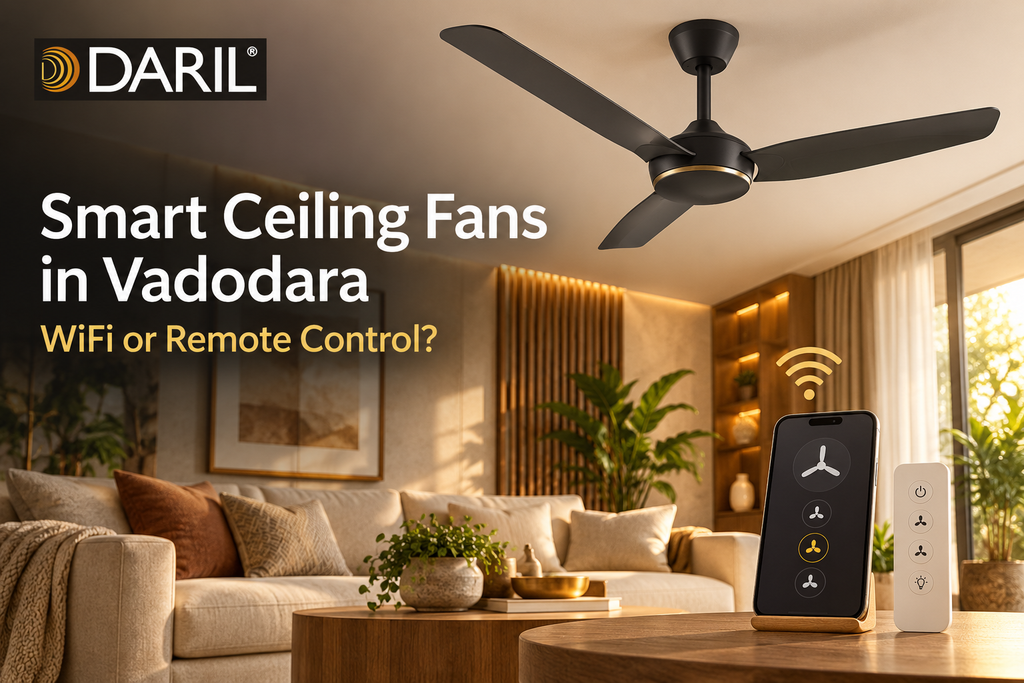
Yes, smart ceiling fans can be worth buying if their controls solve a daily need. A remote helps you change speed from bed. WiFi adds app access, schedules, and, on supported models, voice control. For lower power bills, focus first on the motor and its rated power use.
A fan does not need WiFi to save energy. An efficient BLDC model with a basic remote may give you the comfort and savings you want. Pay extra for connected features only when you expect to use them.
If you are visiting a ceiling fan distributor in vadodara, ask to compare three things: airflow, power use, and controls. A live demo will tell you more than a long feature list.
For a bedroom, easy speed changes may matter most. For a home office, low noise may lead your list. In a guest room, simple controls may beat an app that visitors must learn.
This guide explains the tradeoffs, shows a sample running cost, and covers the checks to make before you buy.
What Is the Difference Between Remote, WiFi, and BLDC Fans?
These terms describe different parts of a fan. Treating them as the same thing can lead to a poor choice.
What does a remote-control fan do?
A remote lets you change fan settings without walking to the switchboard. Depending on the model, it may offer speed steps, a timer, or a sleep mode. You do not need a home internet connection just to use a basic fan remote.
What does a WiFi fan add?
A WiFi fan connects to your home network for supported smart features. These may include app control, schedules, shared access, and voice commands. For example, Atomberg lists app and voice control within its smart fan range. Check the exact model, since features vary.
What does BLDC mean?
BLDC stands for brushless direct current. It describes the motor, not the way you control the fan. You can buy BLDC fans with remote controls, wall regulator controls, or connected features.
| Feature | Wall-control fan | Remote-control fan | WiFi fan |
| Main control | Switch and compatible regulator | Handheld remote | App, often plus remote |
| Internet for basic use | No | No | Depends on control method |
| Timers | Model dependent | Often available | Often available |
| Voice commands | Usually absent | Usually absent | On supported models |
| Power savings | Depend on efficiency | Depend on efficiency | Depend on efficiency |
| Best fit | Simple daily use | Easy in-room control | Connected home routines |
How Much Electricity Can an Efficient Fan Save?
The useful number is watts at a stated speed and airflow. WiFi alone does not prove that a fan uses less power.
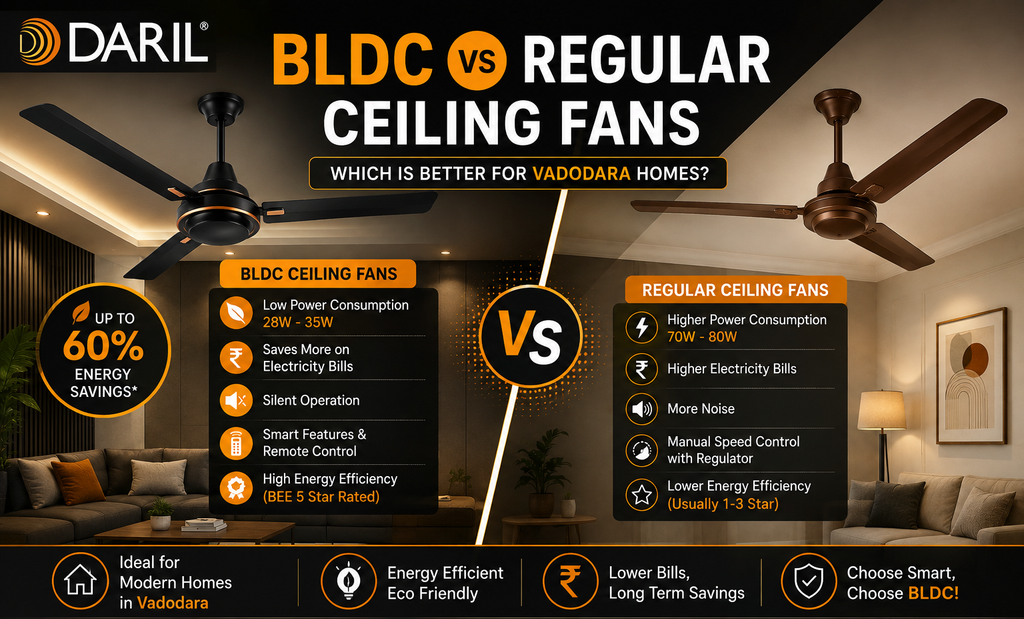
Orient Electric gives typical figures of 26 to 35 watts for BLDC fans and 55 to 75 watts for induction fans in its guidance. These are manufacturer figures, not a promise for every product.
What would the running cost look like?
Consider a simple comparison between a 70-watt fan and a 30-watt fan. Assume both provide airflow that suits your room.
Use these sample inputs:
- Daily use: 10 hours.
- Annual use: 365 days.
- Electricity rate: ₹8 per unit.
- One unit: one kilowatt-hour, or kWh.
| Measure | 70-watt fan | 30-watt fan |
| Daily energy use | 0.70 kWh | 0.30 kWh |
| Annual energy use | 255.5 kWh | 109.5 kWh |
| Annual electricity cost | ₹2,044 | ₹876 |
| Annual difference | ₹1,168 |
In this example, the lower-watt fan uses about 57% less electricity. This is a calculation, not a measured result from a Vadodara home.
Your tariff, speed settings, and hours of use will change the result. The ₹8 rate is an assumption, not a quoted local tariff. The estimate also leaves out standby use.
How do you judge the payback period?
Divide the extra purchase cost by the estimated yearly savings.
If the efficient fan costs ₹2,000 more, this example gives a simple payback of about 1.7 years. That excludes repair costs and changes in use.
Compare similar airflow and size. If two fans have similar power use, paying more for WiFi may add convenience without much extra electricity savings.
Will a WiFi Fan Work When the Internet Stops?
A network outage does not automatically mean the fan must stop. The answer depends on the model and which controls it supports.
Ask the seller to show what happens when the router is turned off. Test the physical remote. If the fan offers local app control, test that too.
Check these points before paying:
- Does the supplied remote work without internet?
- Which app features need a cloud connection?
- Does a saved schedule still run offline?
- What happens after a power cut?
- Can you use basic controls without signing in?
Do not assume Bluetooth, offline schedules, or saved speed settings are included. Get the answer from the manual for the exact model.
If the wall switch cuts power, connected controls cannot reach the fan until power returns. Make sure everyone at home understands how to use it.
How Should You Choose a Fan for Your Room?
Start with the room and the people who use it. Smart features come after airflow, comfort, and fit.
How much airflow do you need?
Look for the stated air delivery, often shown in cubic meters per minute, or CMM. Compare this alongside watts and blade sweep.
A fast-spinning fan is not always the best choice. Blade design and size also affect how the breeze reaches you.
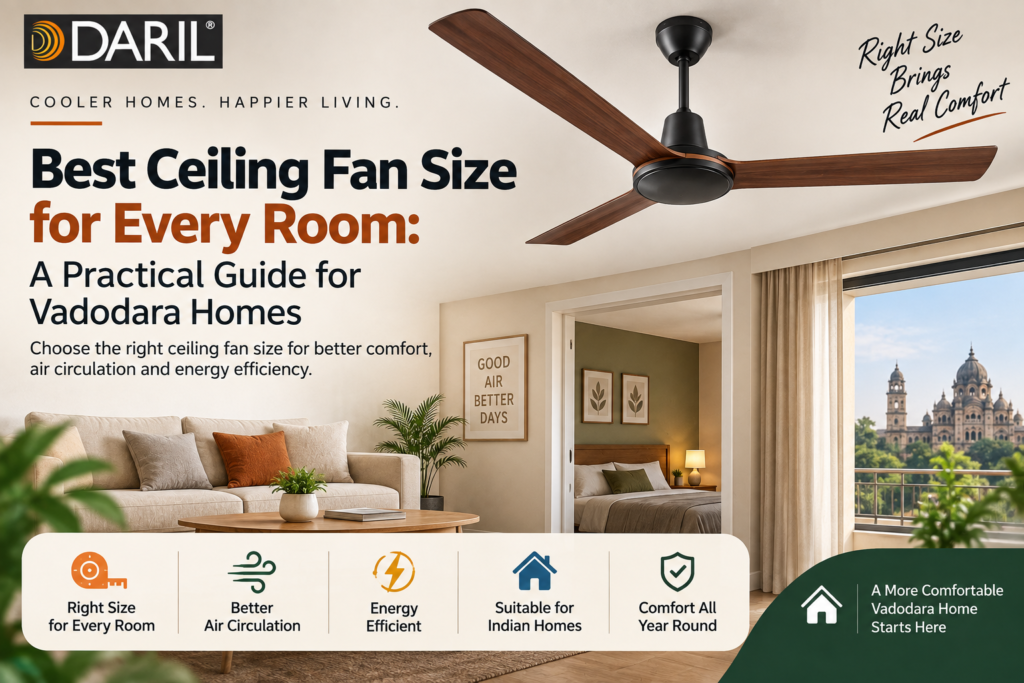
Ask for a size recommendation based on room length, width, and ceiling height. Share the bed or seating layout. A long room may need a different plan from a square bedroom.
How quiet should it be?
Listen at the speed you expect to use at night. A low motor hum and the sound of moving air are separate issues.
Try a voice call near the display fan if you work from home. Ask whether indicator lights and button sounds can be turned off.
Avoid treating “silent” as a guarantee. A loose mount, poor balance, or nearby surface can affect noise after installation.
What does the energy label tell you?
Check the BEE label and match the model details to the box and invoice. BEE lists ceiling fans under its mandatory labeling program.
Compare products using the applicable label period, sweep size, rated power, and stated airflow. Stars help with screening, but they do not replace a comfort test.
How will it fit with lights and ceilings?
Plan fan placement with your lights, false ceiling, and furniture. Keep the blade path clear and follow the maker’s mounting rules.
If you are planning the whole ceiling, coordinate the layout with your electrical switches and controls. Confirm fan compatibility before choosing a wall control.
Who Gets the Most Value From Smart Controls?
A few everyday examples make the choice clearer.
A couple buying for a bedroom: A remote may be enough. They can change speed from bed and set a shutoff timer if the model includes one.
An older adult who finds walking difficult: Large, clear buttons may matter more than app features. Let the person who will use the fan try the controls.
Someone who uses smart home routines: WiFi can be useful if the fan works with the person’s existing system. Ask for a demo of the exact voice command or routine.
A family buying for a guest room: Simple controls reduce the need to explain pairing, accounts, or apps.
A buyer upgrading several rooms: Test one fan first. Live with its airflow, noise, and controls before placing a larger order.
What Installation and Inverter Checks Matter?
Use a qualified electrician or the brand’s approved installer. A secure mount and correct wiring matter more than a quick installation.
Can you keep the old regulator?
Sometimes. The answer depends on the fan’s design.
Orient distinguishes between regulator-operated and remote-operated BLDC models. Its guidance says remote variants require the regulator to be bypassed, while its regulator variants support compatible step regulators.
Other products may work differently. Follow the exact manual. Do not assume an old dimmer or smart wall module will work with a new fan.
Will it run on an inverter?
Ask the manufacturer to confirm compatibility with your inverter. Give the installer its make and model.
A lower-watt fan reduces the load, which can help backup time. Actual runtime still depends on battery health, inverter losses, and every other device drawing power.
What about power fluctuations?
Check the fan’s stated input voltage range. Ask what protection the manufacturer recommends for your home. A wide operating range does not mean a fan can withstand every surge or wiring fault.
What Are the Drawbacks of Buying a Smart Fan?
The extra features bring a few ownership questions.
A lost remote can become a daily nuisance. Ask about replacement cost and availability before buying. If several fans share one room, check whether each can be controlled on its own.
Apps may change over time. Voice services and cloud features also depend on ongoing support. Ask which basic functions remain available if the app stops working.
For privacy, review the app’s permissions and account rules. Use a strong password and install updates from the official source.
Repair terms deserve close attention. The motor, control board, remote, and connected module may have different coverage. Ask about service visits, labor, and parts after the warranty ends.
These checks do not make smart fans a poor choice. They help you choose one you can use and maintain with confidence.
When Should You Keep Your Current Fan?
You may not need to replace a working fan just to gain app control. First, list the problem you want to solve. Is the room too stuffy? Is the fan noisy? Do you want easier speed changes?
A service visit may solve a loose fitting or another repairable fault. Ask for a repair estimate before deciding.
For a rarely used room, the extra cost of a new efficient fan may take longer to recover. For a bedroom used every night, running cost deserves more weight.
If you are renting, check with the owner before changing fixed wiring or replacing the fan. Choose an upgrade you can maintain, and keep any removed parts safely if you may need to restore the original setup.
How Can You Make a Better Showroom Decision?
Take a short list of your needs rather than shopping by appearance alone.
Bring the room measurements, a photo of the switchboard, and details of any inverter. Note how many hours the fan runs each day.
Then ask the seller to:
- Show the exact model and its energy label.
- Demonstrate low and high speeds.
- Let you try the remote.
- Explain offline use and restart behavior.
- Confirm installation and regulator needs.
- Provide written warranty and service terms.
Buy through an authorized seller where possible. Keep the invoice, model number, and warranty record.
Ask for the total installed cost, not just the fan price. If you want to arrange a visit, use the contact page to check availability before traveling.
Frequently Asked Questions
Are WiFi ceiling fans worth the extra money?
They can be if you use app control, voice commands, or schedules often. If you only want to change speed from bed, a remote-control fan may meet your needs. Compare motor efficiency separately from connected features.
Can I use a smart ceiling fan without WiFi?
Many models offer a physical remote for basic use without WiFi. Local app control and offline schedules vary. Ask for an offline demo and check the manual before buying. A power cut still stops the fan unless backup power is available.
Do remote-control fans save more electricity?
A remote alone does not make the motor more efficient. Savings depend on power use, airflow, speed, and running hours. A timer can reduce waste if it turns the fan off when you no longer need it.
Can a BLDC fan work with a normal regulator?
Some models can, while others require the regulator to be bypassed. Buy a model designed for your preferred controls. Have an electrician follow the maker’s wiring instructions rather than trying to adapt an unsupported regulator.
Is a smart ceiling fan better than an air conditioner?
They serve different needs. A fan moves air and helps you feel cooler; an air conditioner removes heat. A fan does not replace AC when you need to lower room temperature. Use the two together if that suits your comfort.
What happens if I lose the fan remote?
Ask the brand for a compatible replacement. Some models offer app or wall controls as another option, but support varies. Avoid buying a random universal remote unless the manufacturer confirms it will work with your fan.
Conclusion: Which Fan Is Worth Buying?
Choose the fan that gives your room good airflow with controls everyone can use. A remote often covers the main need. WiFi earns its place when connected routines make daily life easier. For savings, compare watts, airflow, and actual running hours.
Before choosing, bring your room details and control preferences to Daril Lighting Solutions. Ask for a model-specific demonstration, written specifications, and clear service terms so you can make a confident choice.